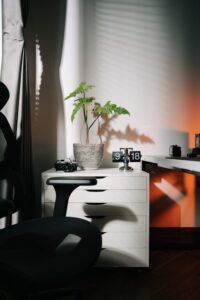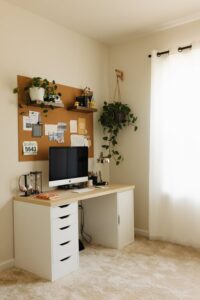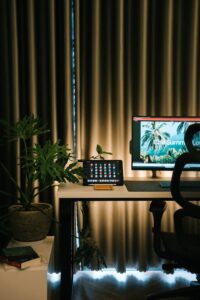
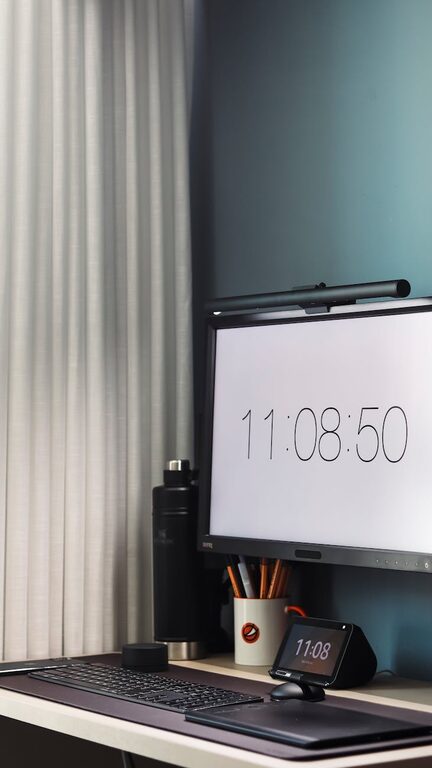
Creating a productive home workspace is essential for anyone working remotely or managing tasks from home. A well-organized and comfortable setup can help you stay focused, reduce distractions, and maintain a healthy work-life balance. Whether you have a dedicated room or a small corner, these tips will guide you in building an environment that supports your productivity.
Choose the Right Location
Selecting the appropriate spot for your workspace is the first step. Ideally, pick a quiet area with minimal foot traffic and distractions. If possible, choose a space that receives natural light, as this can improve mood and alertness.
Consider These Factors:
– Privacy: Choose a place where you won’t be easily interrupted.
– Lighting: Natural light is best; add task lighting for darker hours.
– Noise Levels: Avoid high-traffic or noisy areas.
Invest in Ergonomic Furniture
Comfort is key when working long hours. An ergonomic chair that supports your back and encourages good posture can prevent discomfort and injury.
Essential Furniture Items:
– Ergonomic Chair: Adjustable height and lumbar support.
– Desk: A surface at a comfortable height that accommodates your equipment.
– Monitor Stand: Keeps your screen at eye level to reduce neck strain.
Organize Your Workspace Efficiently
A clutter-free area helps keep your mind clear. Use storage solutions to keep supplies and documents within reach but out of sight.
Organization Tips:
– Use desk organizers or drawers.
– Label files and supplies for easy access.
– Keep only essentials on the desk.
Optimize Lighting
Good lighting reduces eye strain and makes your workspace inviting. In addition to natural light, add layered lighting options like a desk lamp with adjustable brightness.
Lighting Options to Consider:
– Ambient lighting: General room lighting.
– Task lighting: Focused light for specific tasks.
– Accent lighting: Adds ambiance and can reduce eye fatigue.
Minimize Distractions
Distractions can reduce productivity dramatically. Set boundaries with family or housemates about your work hours, and keep your phone on silent or in another room if possible.
Ways to Limit Distractions:
– Use noise-canceling headphones.
– Set specific work hours.
– Turn off non-essential notifications.
Personalize Your Space
Adding personal touches can make your workspace more enjoyable and motivating. However, keep decorations minimal to avoid clutter.
Ideas for Personalization:
– Plants for a touch of green and fresh air.
– Inspirational quotes or artwork.
– A comfortable rug or cushion.
Use Technology Wisely
Ensure your technology setup supports your work needs without causing frustration.
Tech Tips:
– Use a reliable internet connection.
– Have necessary accessories like a wireless mouse and keyboard.
– Use cable organizers to keep cords tidy.
Establish a Routine
A consistent routine helps your brain shift into “work mode”. Start and end your day at regular times and include short breaks to maintain focus and avoid burnout.
Routine Suggestions:
– Dress as if you were going to the office.
– Take a walk or stretch during breaks.
– End your day with a clear shutdown routine.
—
Creating a productive home workspace doesn’t require a big budget or a separate room. With thoughtful planning and simple adjustments, you can build an environment that supports your work and well-being. Try these tips to transform your space and boost your daily productivity.